OpenNextion
Disconnected
Back to List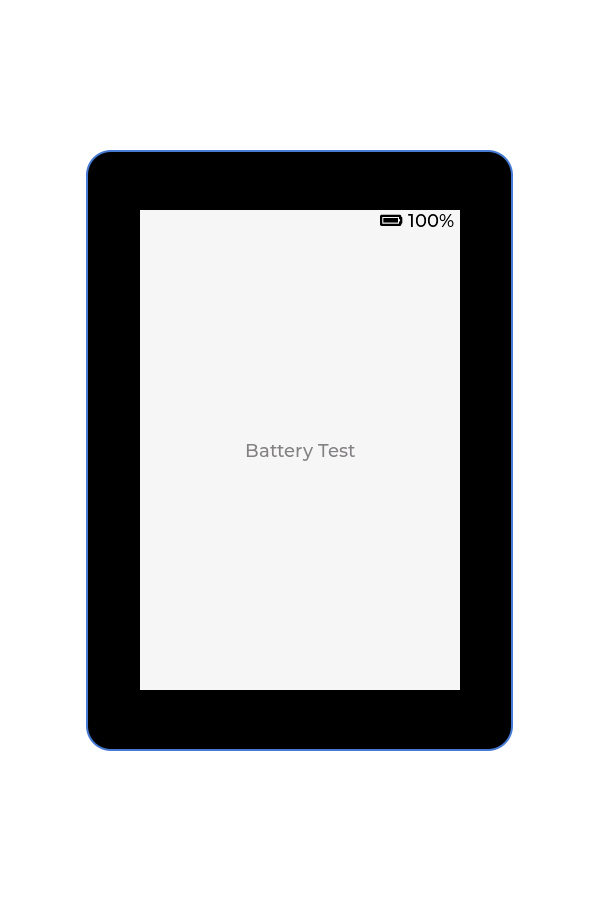
OfficialFactory DemoBattery
Battery Test Demo
This example shows how to estimate battery level using ADC sampling and display the percentage and charging state on the LCD of OpenNextion 2.8" and 3.5" devices.
Preview
Hardware Requirements
Development Boards
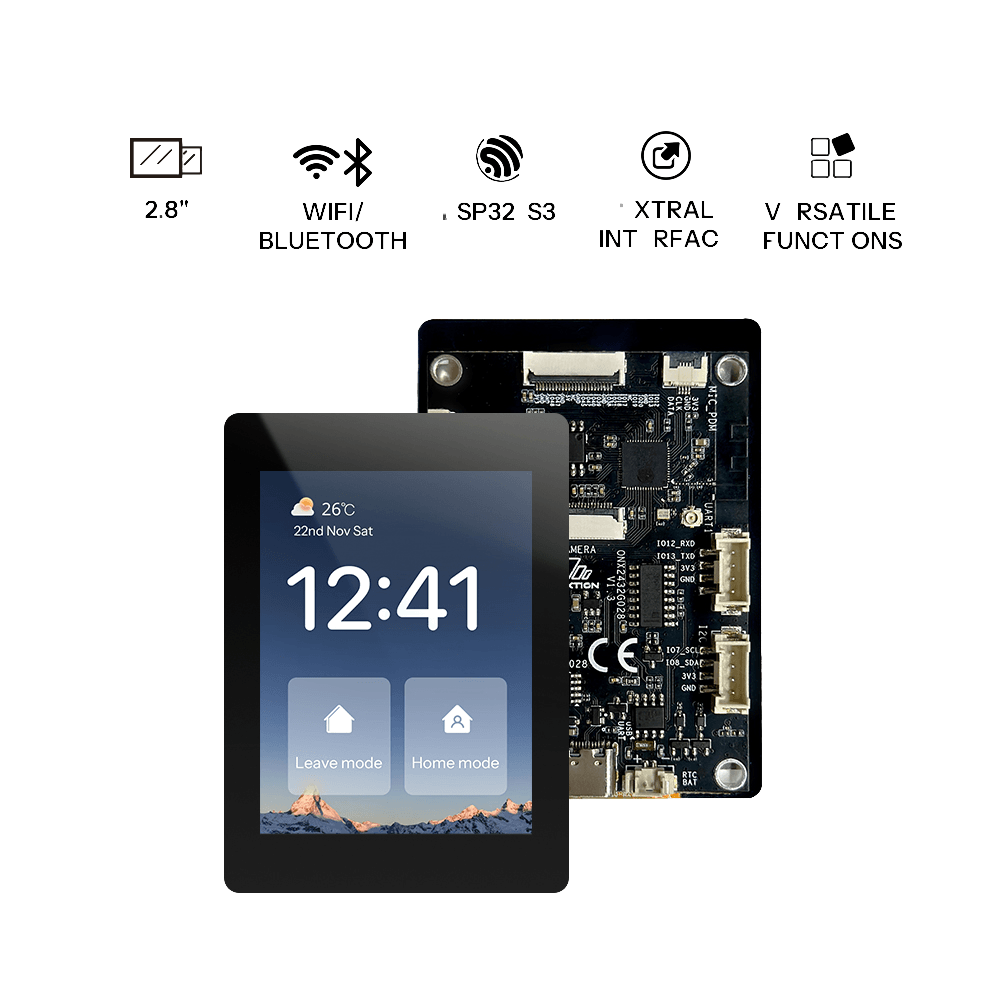
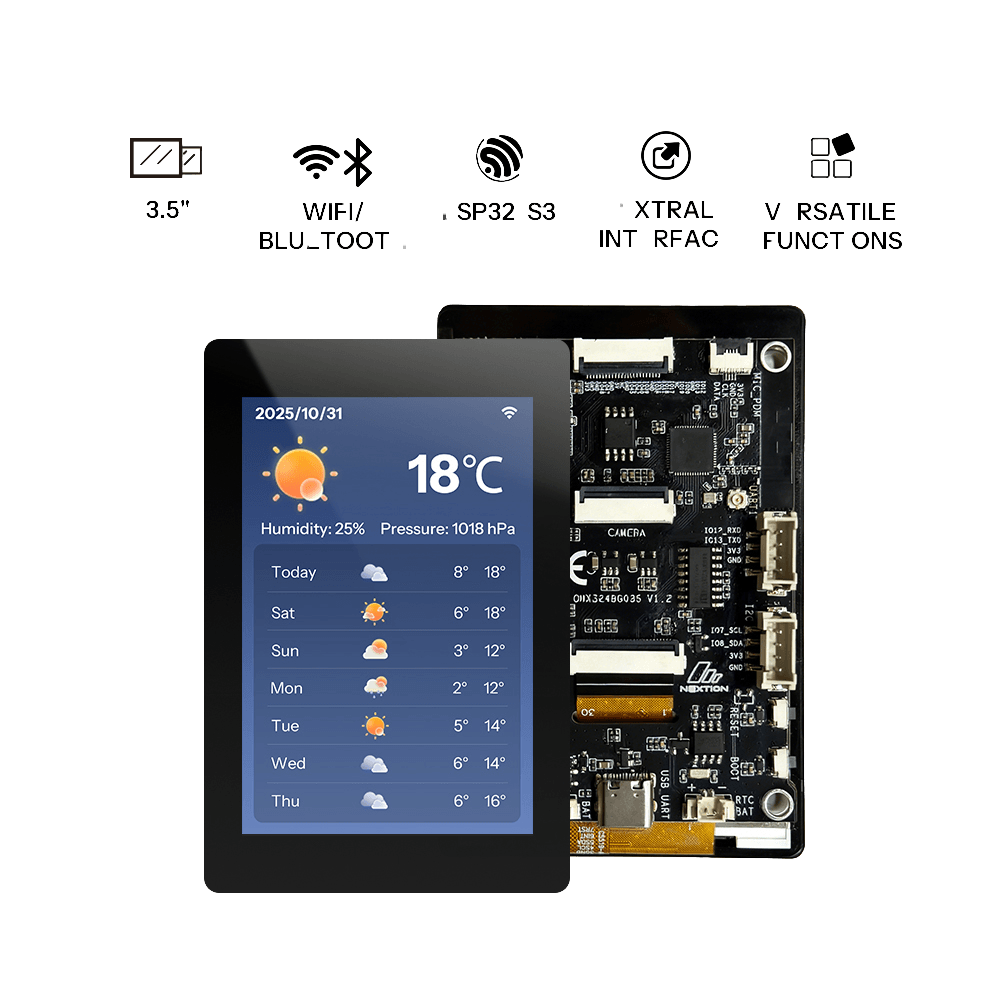
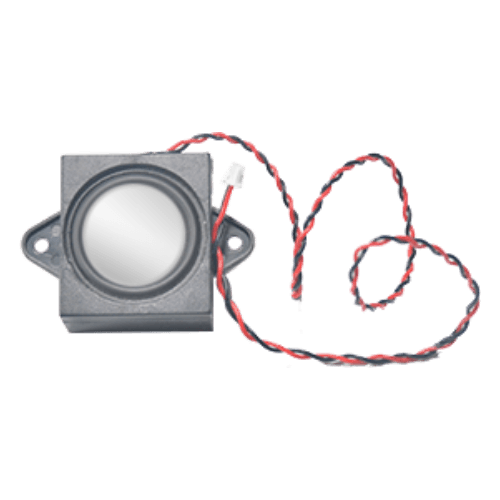
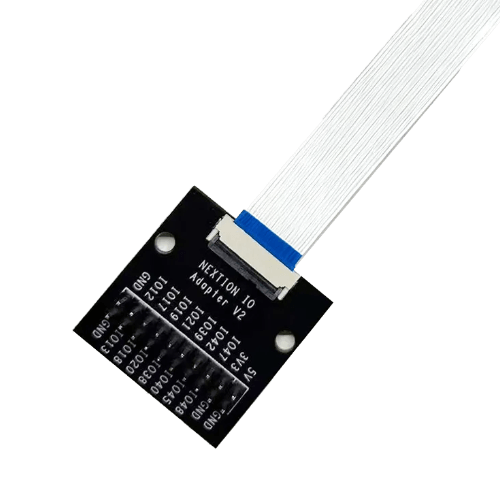
Accessories
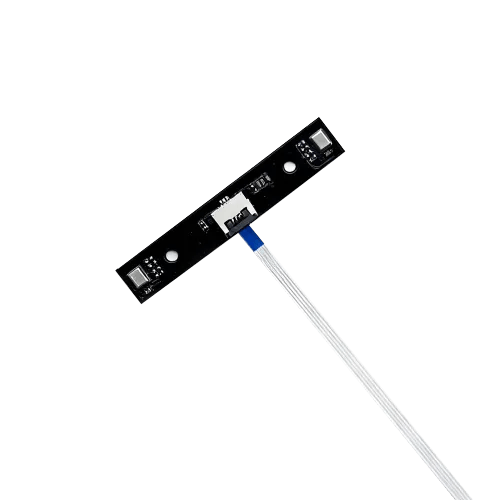
Getting Started
Preparation
- 1 × supported OpenNextion ESP32-S3 smart display
- 1 × USB data cable
- 1 × Lithium battery
- 1 × Windows/Mac computer
Before starting, ensure the USB cable supports data transfer and maintain a stable connection between the board and your computer.
Flashing the Firmware
- Click Flash Online at the top of the page.
- Select the OpenNextion device model you are using.
- Choose the corresponding serial port when prompted in the browser.
- Wait for erasing, writing, and verification to complete. Do not unplug the USB cable during this process.
After successful flashing, the board will automatically restart.
Operating Instructions
Connect the battery, and the screen will display the battery level and charging status.
Resources
FAQ
No content available yet.