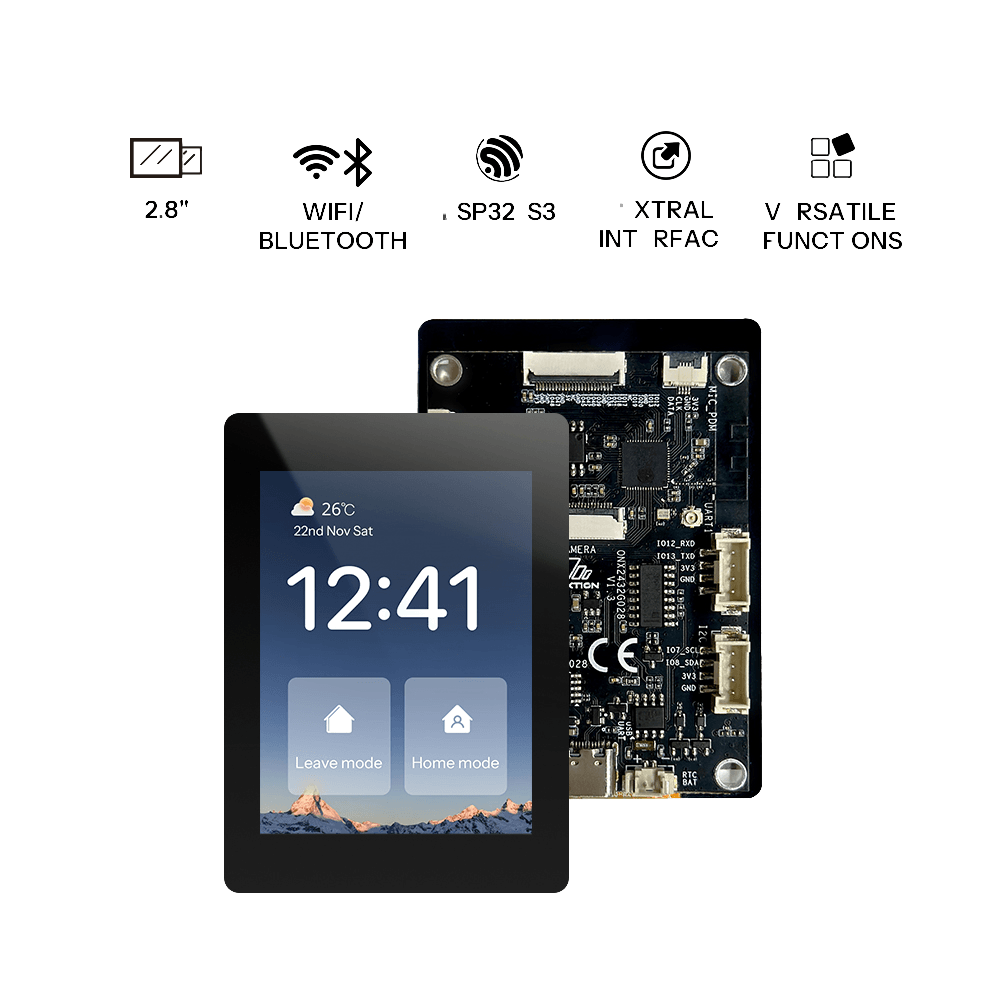
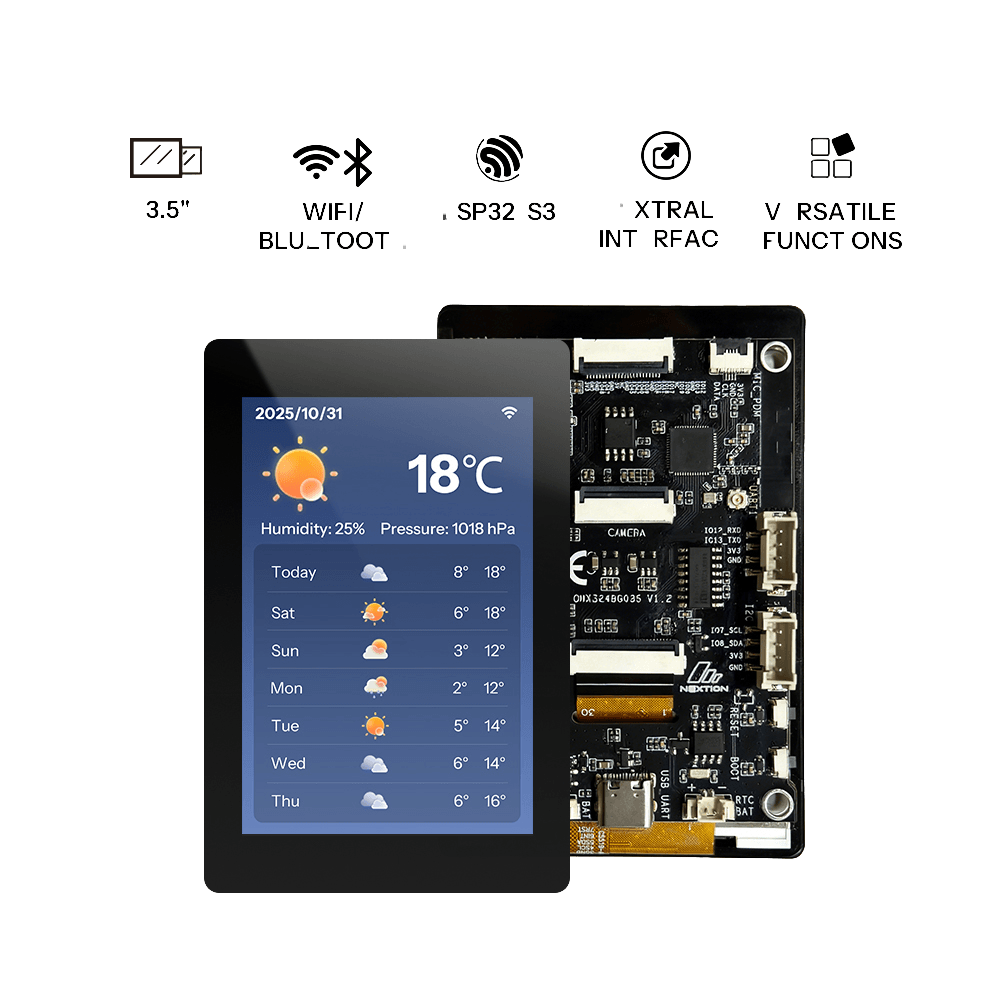
Open Nextion Application Platform


Quick Start
Select
Choose your desired firmware from the Firmware Market.
Connect
Plug in your Nextion device via USB to serial adapter.
Flash
Flash the firmware directly from your browser.
Firmware Market
Browse and flash community or official firmware directly.
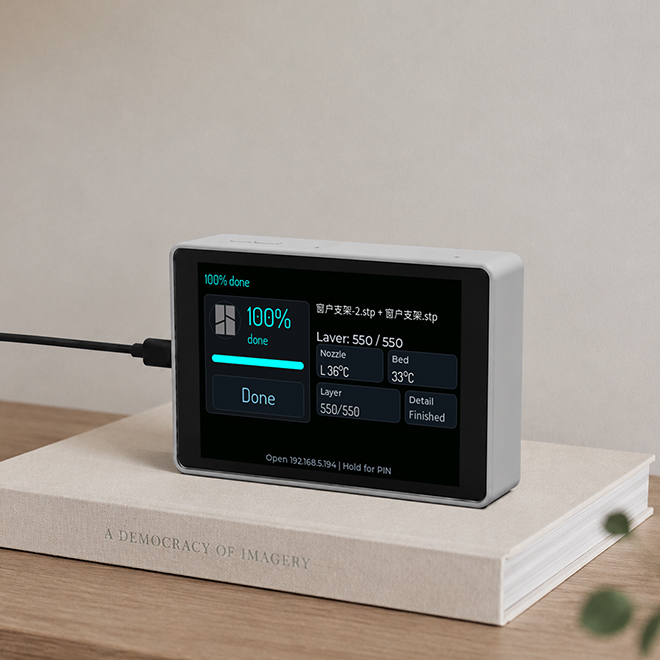
PrintSphere
v0.2.1 • Community
PrintSphere’s powerful 3D printing management is now seamlessly ported to the OpenNextion ESP32‑S3 display – a dedicated dashboard for your Bambu Lab printer. Print progress, temperature curves, filament levels, and live camera feed are all at a glance. No more phone unlocks or app hunting – just glance at your desktop screen and stay focused on what truly matters: your creativity.
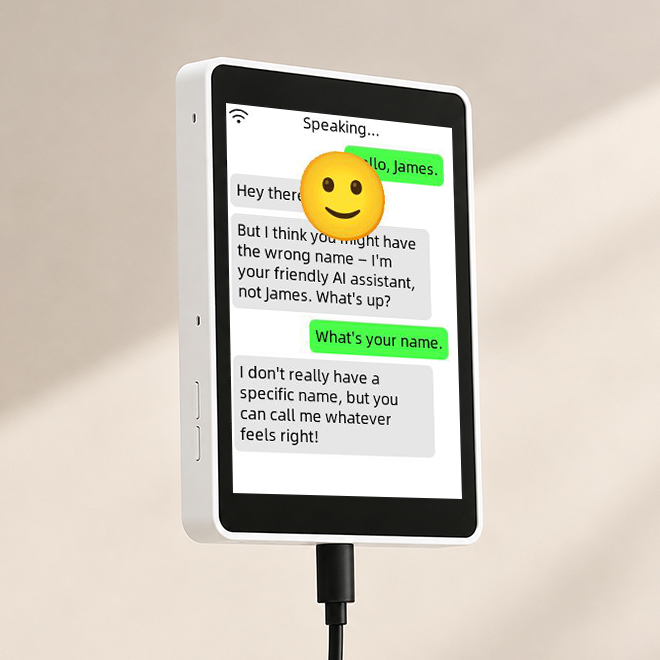
XiaoZhi AI(Jarvis)
v2.2.6 • Community
OpenNextion XiaoZhi Ai is an open‑source voice AI solution that turns your OpenNextion screen into a conversational AI terminal. It integrates with Qwen, DeepSeek, and Doubao for natural dialogues. Offline wake‑up and local recognition ensure low latency and privacy.
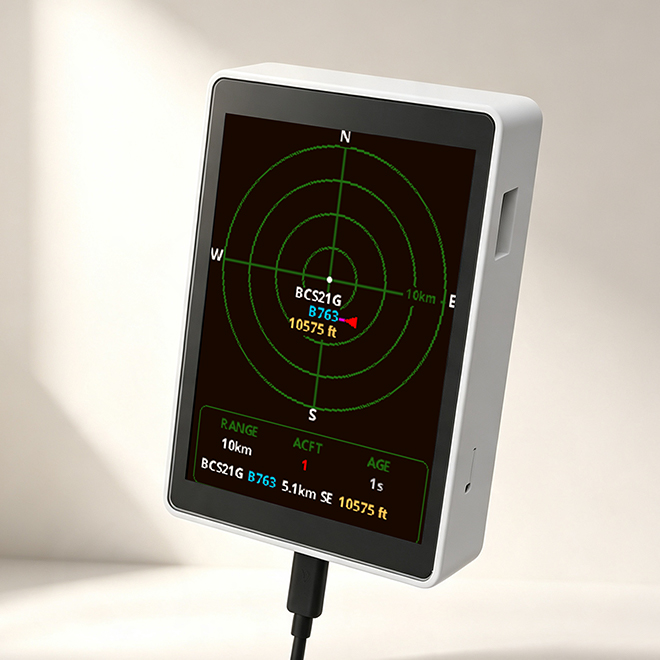
Plane Radar
Community
Plane Radar is a plug‑and‑play desktop radar for your OpenNextion ESP32‑S3 screen – flash it, connect to WiFi, and instantly see live flights above you. Based on the well‑known ESP32 Plane Radar, it supports portrait mode and needs no complex setup.