OpenNextion
Disconnected
Back to List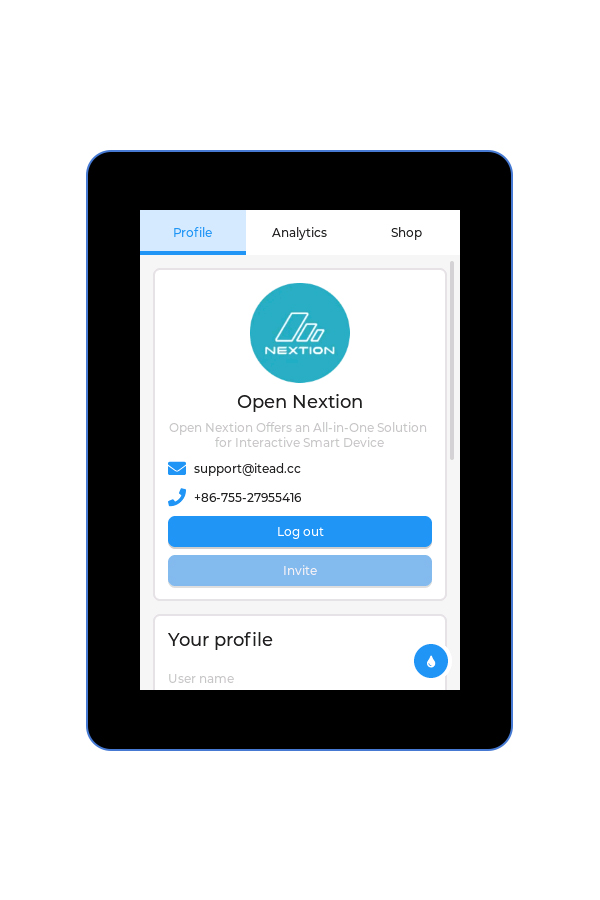
OfficialFactory DemoHardware Test
Out-of-Box Demo
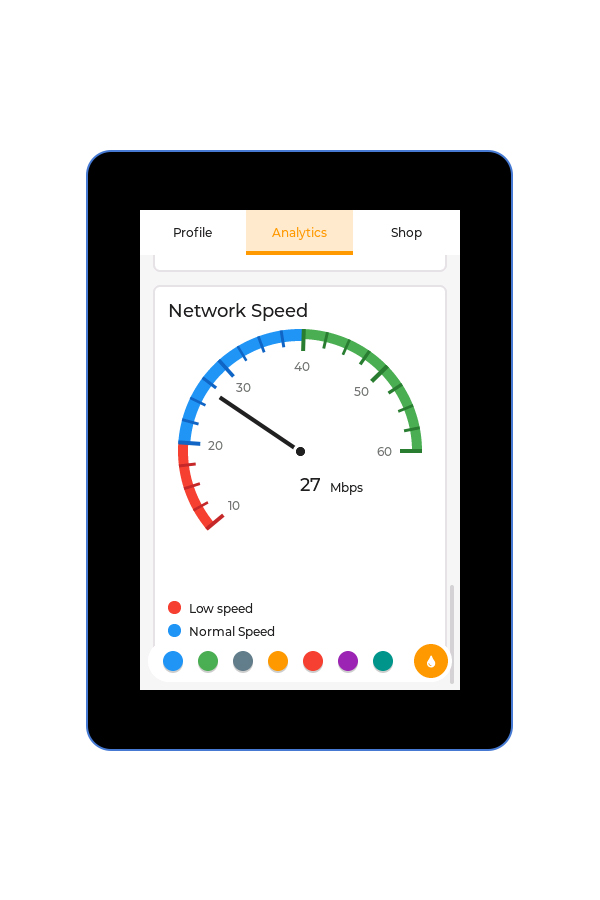
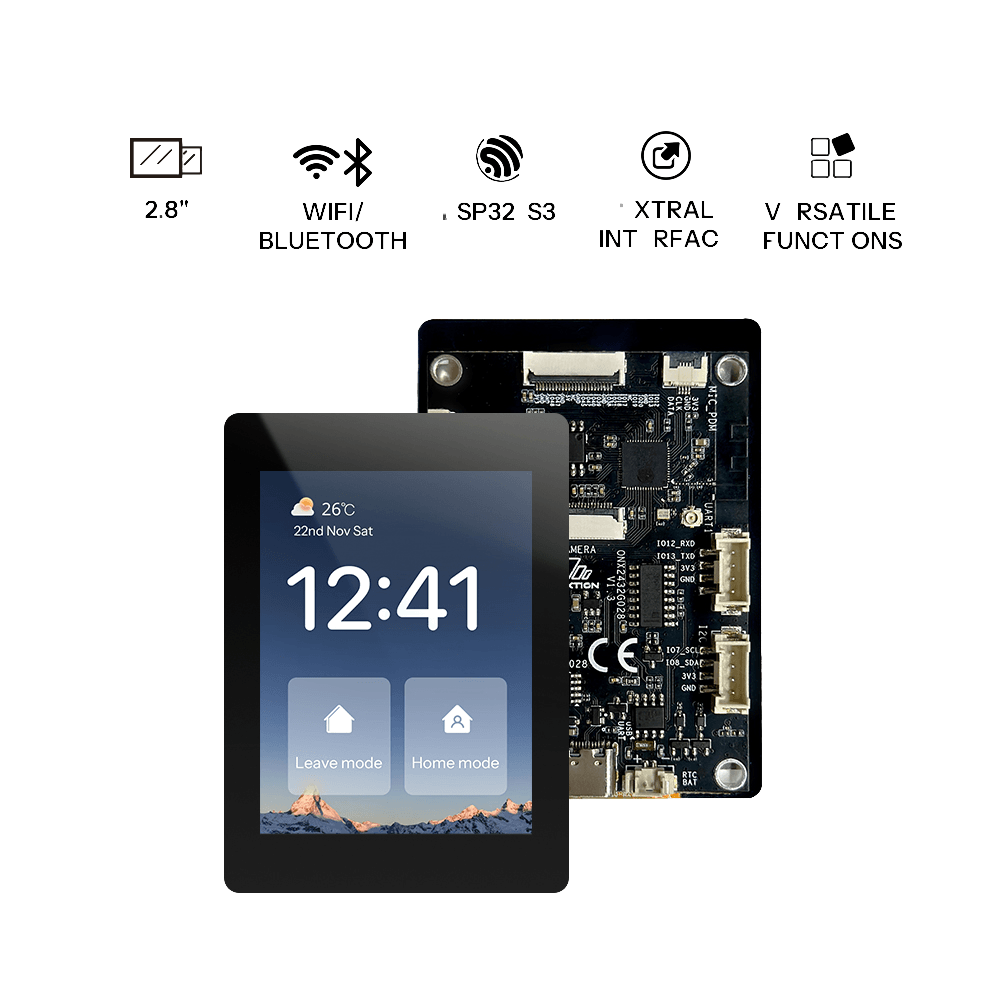
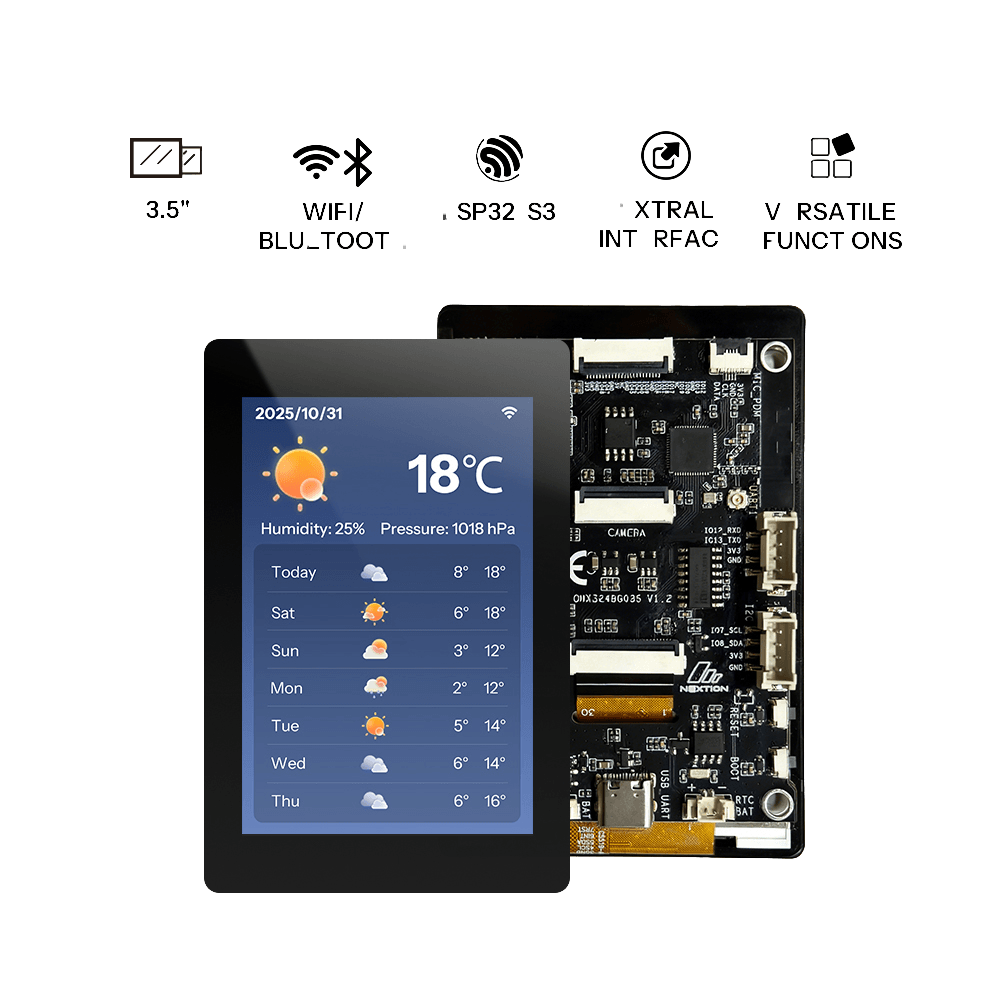
The out‑of‑the‑box demo for OpenNextion 2.8" and 3.5" devices lets you preview the default look of LVGL widgets.
Preview
Hardware Requirements
Development Boards
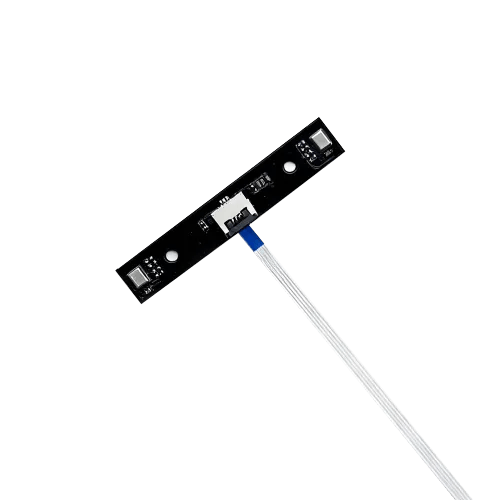
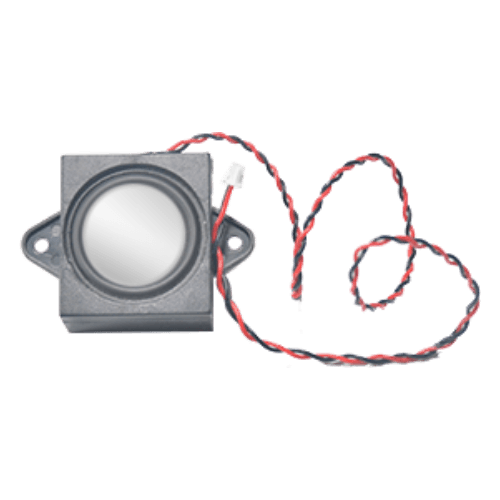
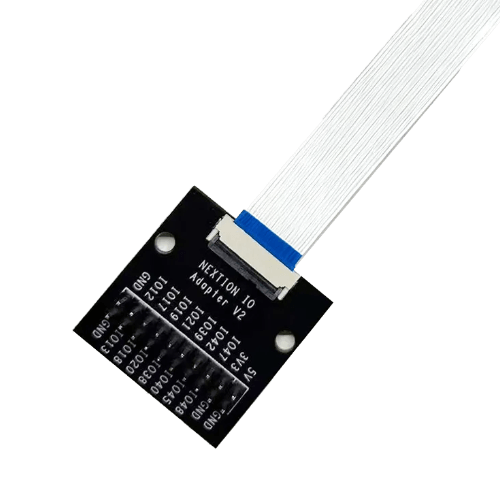
Accessories
Getting Started
Preparation
- 1 × supported OpenNextion ESP32-S3 smart display
- 1 × USB data cable
- 1 × Windows/Mac computer
Before starting, ensure the USB cable supports data transfer and maintain a stable connection between the board and your computer.
Flashing the Firmware
- Click Flash Online at the top of the page.
- Select the OpenNextion device model you are using.
- Choose the corresponding serial port when prompted in the browser.
- Wait for erasing, writing, and verification to complete. Do not unplug the USB cable during this process.
After successful flashing, the board will automatically restart.
Operating Instructions
1. Page Switching
- Method 1: Click the corresponding page name ("Profile", "Analytics", or "Shop") in the top menu bar.
- Method 2: Swipe left or right on the screen.
2. Theme Color Switching
- Step 1: Click the droplet icon in the bottom‑right corner to expand the color selection menu.
- Step 2: Click the target color to switch the theme.
- Step 3: Click the droplet icon again to collapse the menu.
3. Profile Page Widget Operations
- Keyboard: Click the "User name" or "Password" input box to bring up the keyboard.
- Calendar: Click the "Birthday" input box to bring up the calendar.
Resources
FAQ
No content available yet.