OpenNextion
Disconnected
Back to List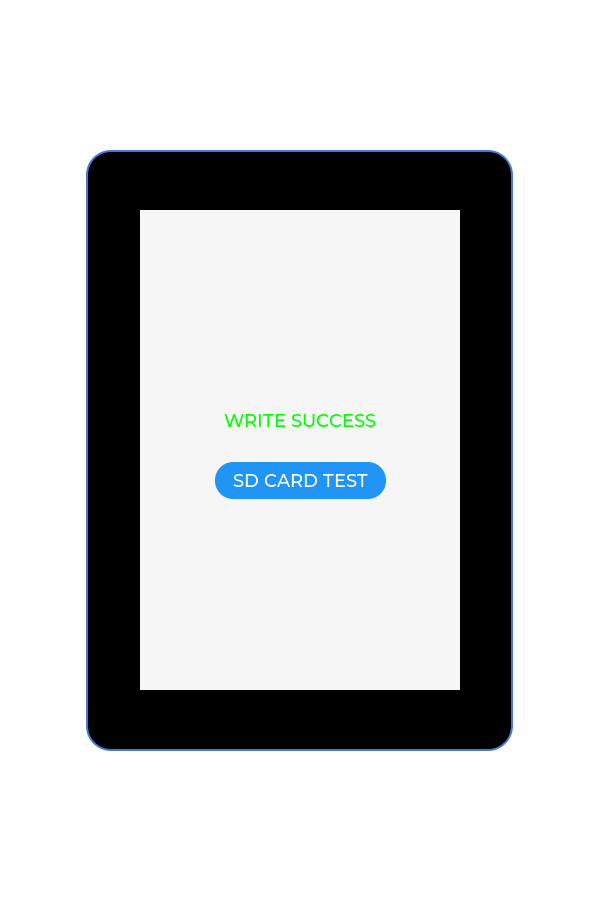
OfficialFactory DemoMicroSD
SD Card Test Demo
OpenNextion 2.8" and 3.5" devices verify SD card mounting, file read/write, and storage functions.
Preview
Hardware Requirements
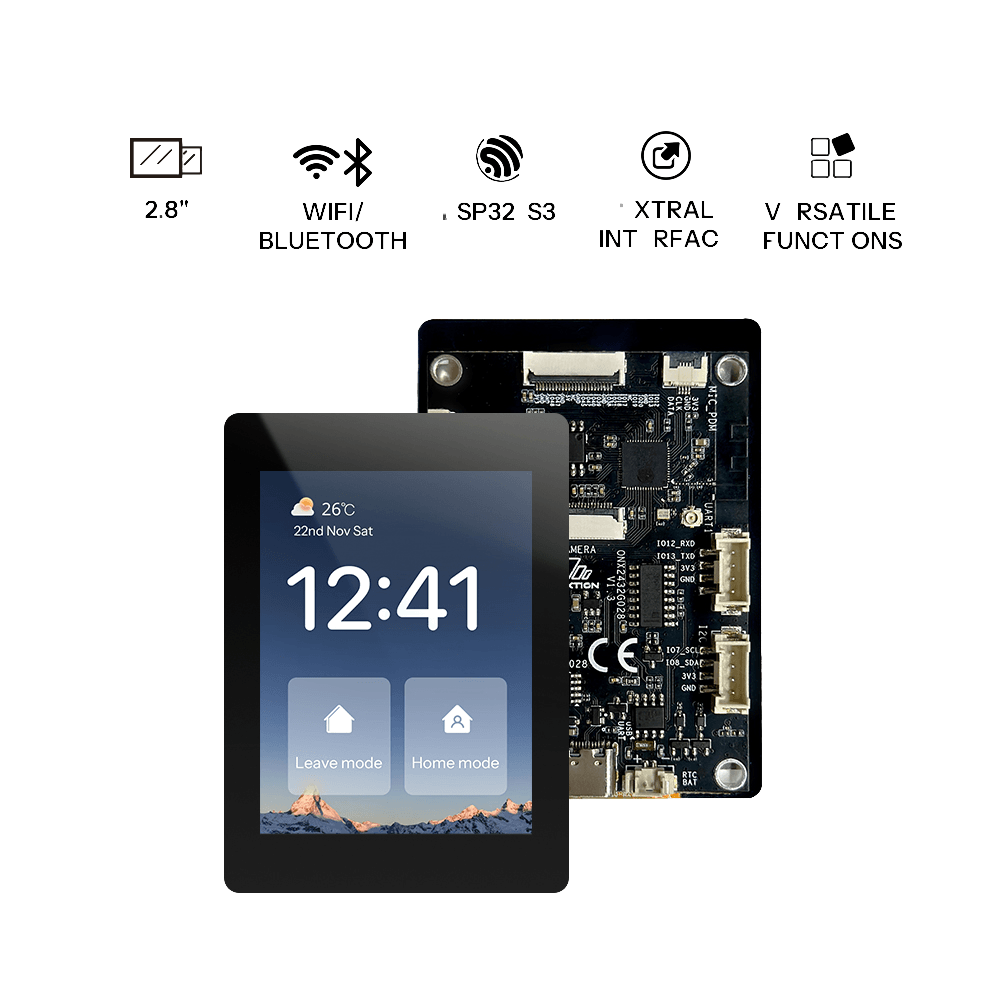
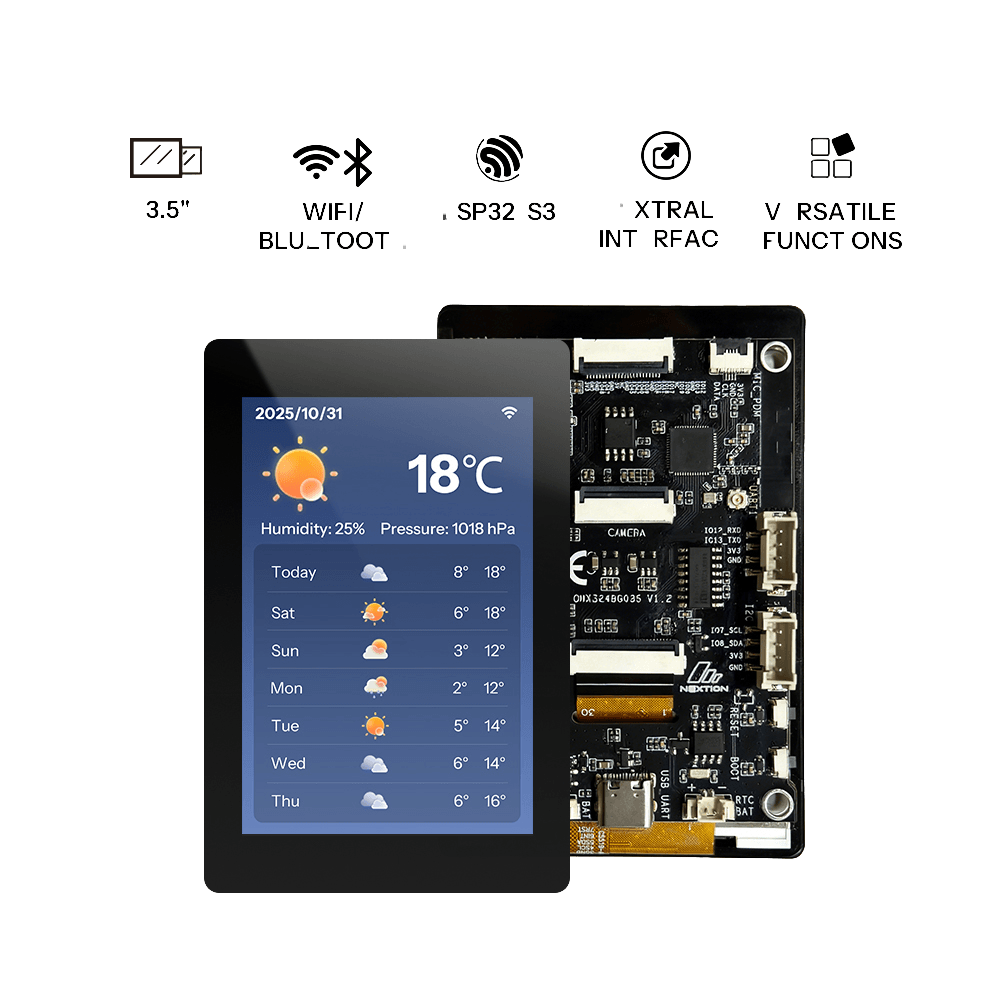
Development Boards
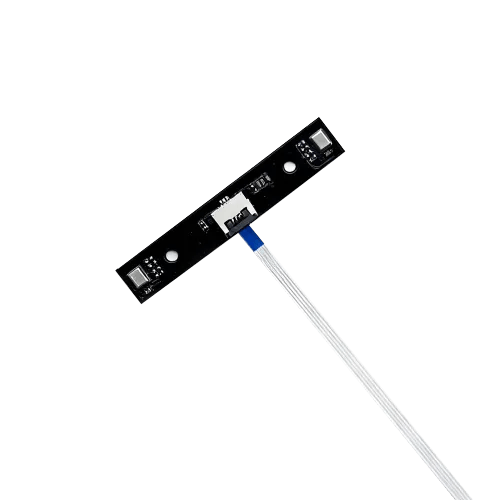
Accessories
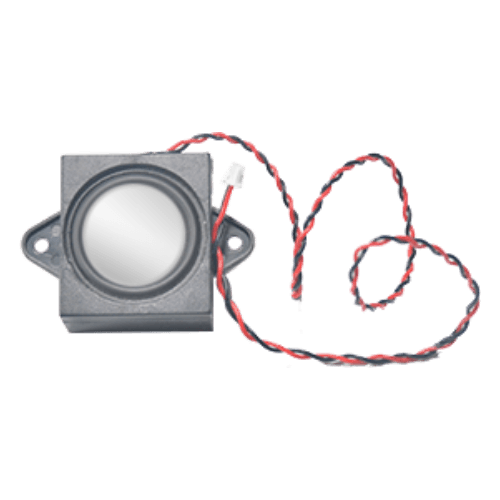
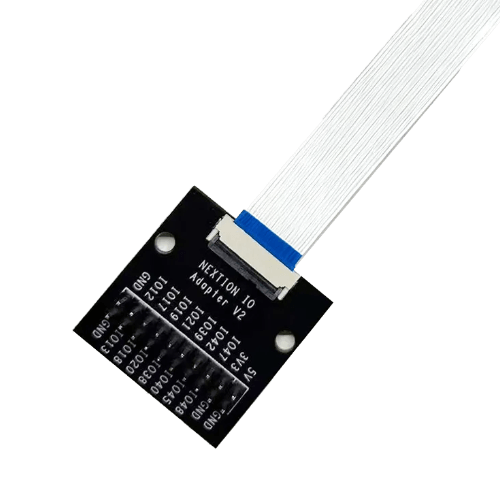
Getting Started
Features
- SD Card Initialization: Mounts an SD card using the SDMMC host driver.
- File I/O: Demonstrates writing to and reading from a file on the SD card.
- Card Information: Retrieves and displays the SD card's name, type, capacity, and other details.
- Error Handling: Includes checks for common errors during SD card operations.
Preparation
- 1 × supported OpenNextion ESP32-S3 smart display
- 1 × USB data cable
- 1 × microSD Card
- 1 × Windows/Mac computer
Before starting, ensure the USB cable supports data transfer and maintain a stable connection between the board and your computer.
Flashing the Firmware
- Click Flash Online at the top of the page.
- Select the OpenNextion device model you are using.
- Choose the corresponding serial port when prompted in the browser.
- Wait for erasing, writing, and verification to complete. Do not unplug the USB cable during this process.
After successful flashing, the board will automatically restart.
Operating Instructions
- Prepare the SD Card: Format a microSD card with a FAT32 file system.
- Connect Hardware: Insert the SD card into the SD card slot on the OpenNextion device.
- Monitor Output: Open a serial monitor to view the output of the SD card test.
Resources
FAQ
No content available yet.